App lockers that teach you something
Lock the apps that steal your time. To open one, name the plant, the mushroom or the cloud in the photo. Every urge to scroll becomes a five-second lesson, and in a few weeks you’ll know dozens of species by sight.
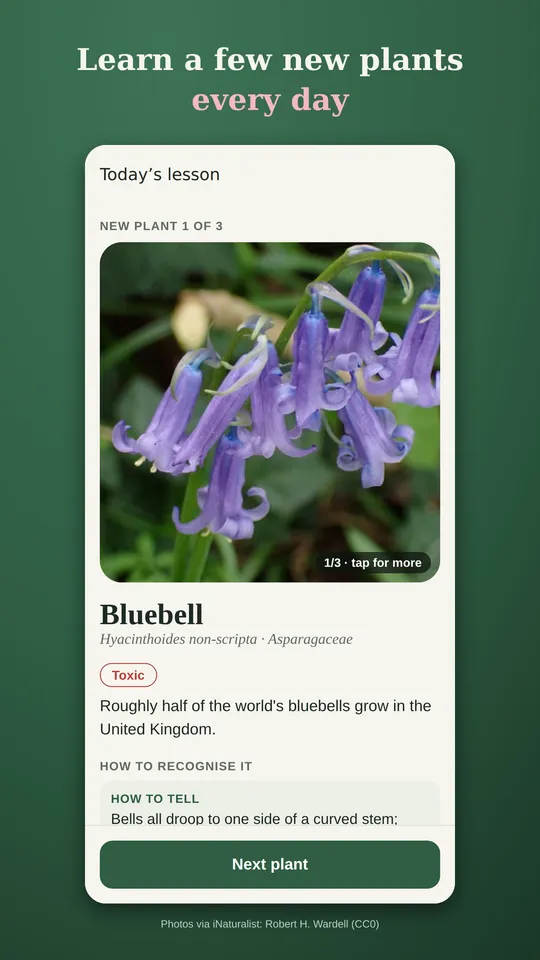
FloraLock
Name the plant. Unlock your app.
- 70 flowers, houseplants and trees
- Look-alikes like peony, rose and ranunculus
- Field clues, edibility and plant lore
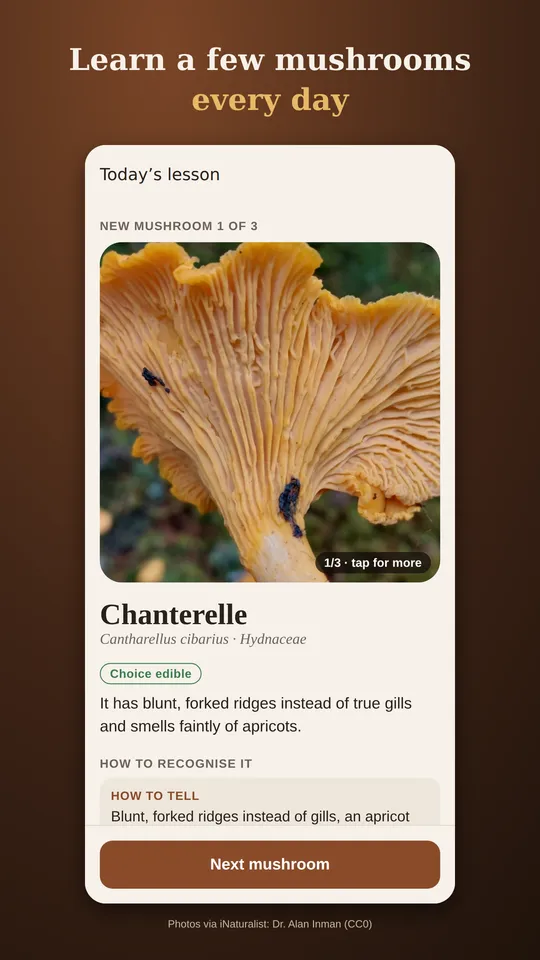
ShroomLock
Name the mushroom. Unlock your app.
- 71 mushrooms: gilled, boletes, brackets and more
- Deadly look-alikes, clearly marked
- Cap, gills, spore print and habitat clues
CloudLock
Name the cloud. Unlock your app.
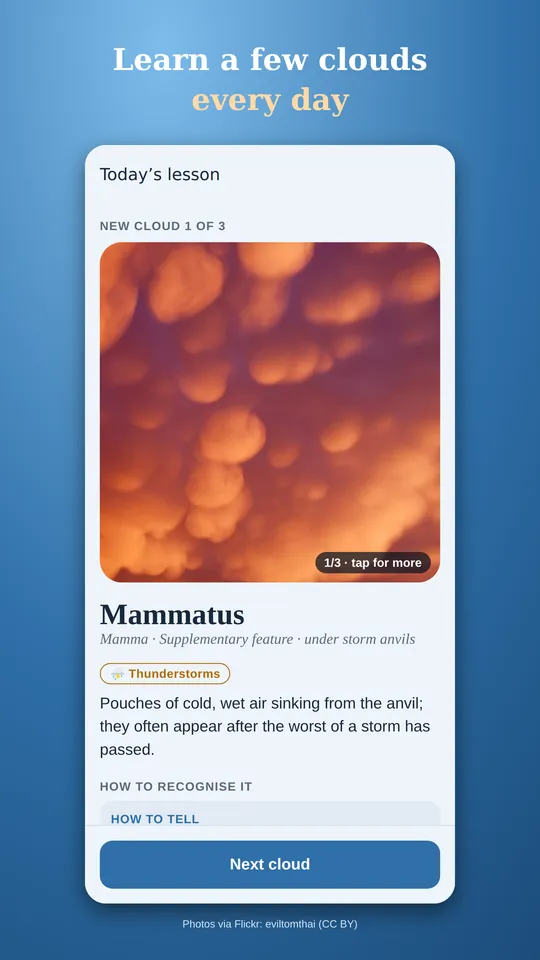
- 36 clouds: the ten main types, species and rare skies
- Look-alikes like shelf cloud and roll cloud
- Height, what it’s made of and the weather it brings
Why an app locker that teaches?
Most app blockers just say no, so people switch them off. These ask a question instead.
Friction that’s worth it
A short question breaks the automatic tap-and-scroll loop. Often you’ll realise you didn’t need the app at all, and there’s a button for exactly that.
Learning that sticks
Daily lessons, then spaced review after 1, 3, 7, 14 and 30 days. Wrong answers are real look-alikes, so you learn the differences that matter.
Kind, private, offline
Emergency unlocks when you need them, streaks to keep you going, and no account, ads or tracking. Everything stays on your phone.
Which one is for you?
| FloraLock | ShroomLock | CloudLock | |
|---|---|---|---|
| You learn | 70 flowers, houseplants and trees | 71 mushrooms and other fungi | 36 clouds, from cumulus to noctilucent |
| Best for | Gardeners, plant parents, walkers | Nature lovers and budding mycologists | Sky watchers, hikers, pilots, photographers |
| Look-alikes | Peony vs rose, bluebell vs hyacinth | Chanterelle vs jack-o’-lantern, morel vs false morel | Shelf vs roll cloud, cumulonimbus vs towering cumulus |
| Free version | 2 locked apps, 35 flowers | 2 locked apps, 35 gilled mushrooms | 2 locked apps, the 10 main cloud types |
| Plus (once or monthly) | Unlimited apps, all 70 plants | Unlimited apps, all 71 mushrooms | Unlimited apps, all 36 clouds |
| Availability | Coming soon on Google Play | Coming soon on Google Play | Coming soon on Google Play |
App locker questions
What is an app locker?
An app locker (or app blocker) is an app that stands between you and the apps you choose, such as Instagram, TikTok or YouTube. Instead of opening straight away, a locked app first asks you to do something. FloraLock, ShroomLock and CloudLock ask you to identify a plant, a mushroom or a cloud from a photo.
Why an app locker that teaches you something?
Most blockers simply say no, so people switch them off. A short question adds just enough friction to break the habit loop, and you learn something real every time you reach for your phone. Over weeks, those seconds add up to knowing dozens of plants, mushrooms or clouds.
Are FloraLock, ShroomLock and CloudLock free?
Yes. All three are free to download with no ads and no tracking. Each has an optional Plus upgrade for unlimited apps and the full deck, bought once or paid monthly.
What permissions do they need on Android?
Usage access, to see which app is in front, and Display over other apps, to show the question on top of a locked app. Both are used only on your phone and can be turned off at any time.
Is there an iPhone version?
Not yet. All three apps are for Android 8.0 or later; an iPhone version using Apple’s Screen Time API is planned.