 FloraLock
Real look-alikes
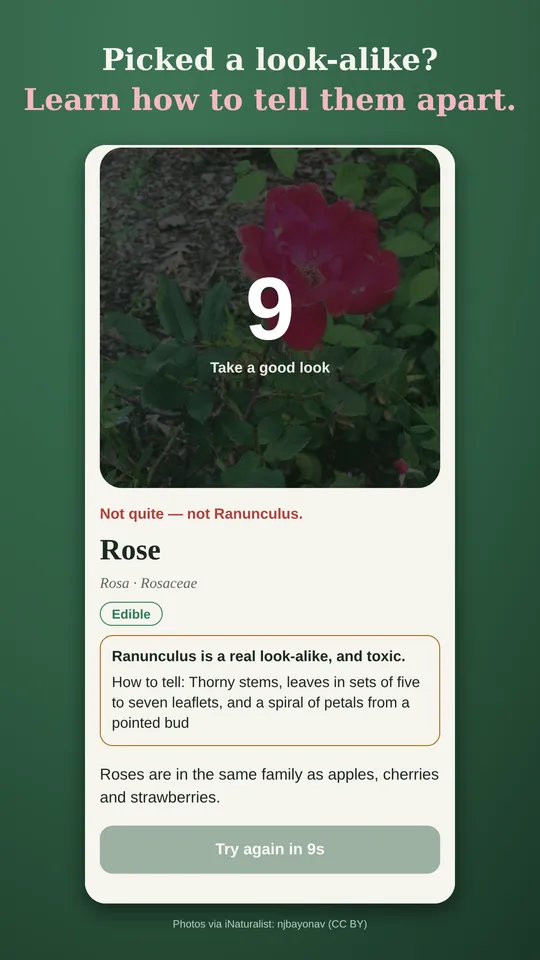
The wrong answers are the plants people actually confuse: peony, rose, ranunculus. Pick a look-alike and FloraLock shows how to tell them apart.
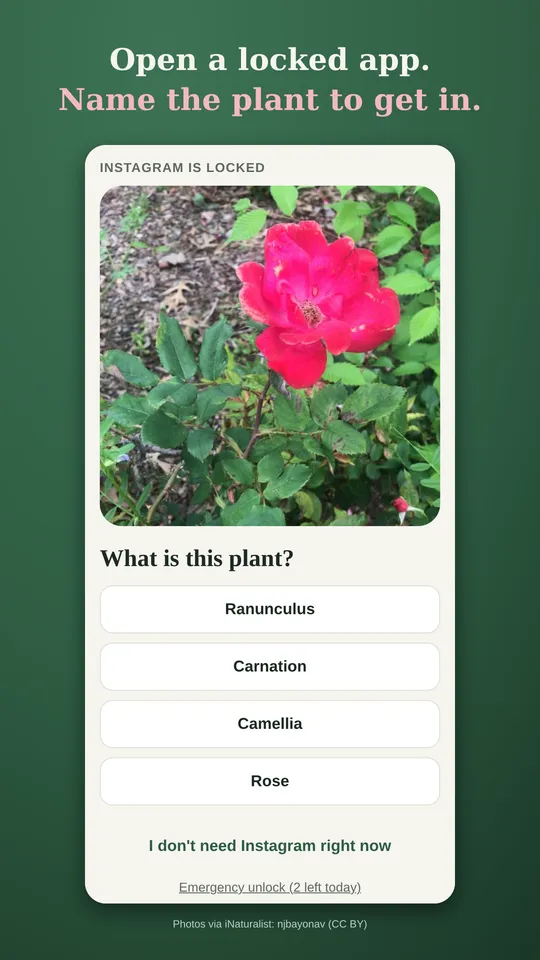
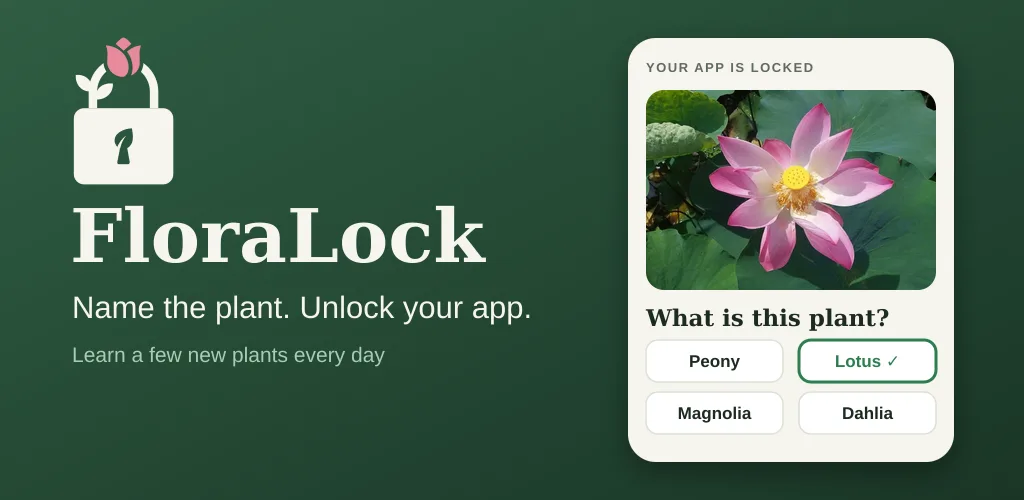
FloraLock turns the moment you reach for Instagram, TikTok or YouTube into a tiny botany lesson. A locked app shows a plant photo with four names. Get it right and the app opens; get it wrong and you learn its name.
Free · no ads · works offline · Android 8 and later · Privacy · Terms
FloraLock is in its closed test on Google Play. Before an app can go public, Google needs real people to try it for 14 days. It’s free: send us your Gmail address, and once we’ve added you (usually within a day) you can install it.
Start by sending us your Gmail address. You can’t join the test or install the app until we’ve added your address, so steps 2 and 3 only work after we reply on WhatsApp that you’re in.
Join our WhatsApp group and send us the Gmail address you use on Google Play. We add it to the test, usually within a day, and reply when you’re in. One group covers all three of our app lockers.
Join on WhatsAppOnly once we’ve told you you’re in: open FloraLock’s test page with that Google account and tap “Become a tester”. Before that, the page won’t let you join.
Open the test pageInstall FloraLock from Google Play, keep it for 14 days and answer a few plant quizzes now and then. Spot something odd? Use “Send feedback” on its Play page.
Install from Google PlayIf the test page says you can’t join yet, we haven’t added your email yet: give us a little time, or check you sent the Gmail you use on Google Play. Testing is free; you don’t need to buy anything. Testing more than one app? Our testers page has all three.
An app blocker that doesn’t just say “no”. Every time you open a distracting app, you spend five seconds learning something real.
Choose any Android app to lock: social media, video, games, shopping. Set how many new plants you want to learn a day.
Each lesson shows a handful of plants once, with real photos, how to recognise them and what they’re mistaken for, then a quick quiz.
Open a locked app and FloraLock asks about one of your plants. Right answer: the app opens for 10 minutes. Wrong: a short pause to learn its name.
Everything in FloraLock is designed around one idea: the few seconds before you scroll are perfect for learning.
The wrong answers are the plants people actually confuse: peony, rose, ranunculus. Pick a look-alike and FloraLock shows how to tell them apart.
Every plant comes with its flowers, leaves, season and the one feature that gives it away, plus whether it’s edible or toxic.
Plants come back after 1, 3, 7, 14 and 30 days, the schedule memory research recommends. Miss one and it starts again tomorrow.
Build a daily streak, grow your Botany IQ from 60 to 160 and fill your collection of 70 plants.
A few emergency unlocks a day and an “I don’t need this right now” button, so FloraLock helps instead of trapping you.
No account, no ads, no analytics. Everything stays on your phone and works without internet.
From the lock screen to your growing collection. Photos come from iNaturalist observers and are credited in every image.
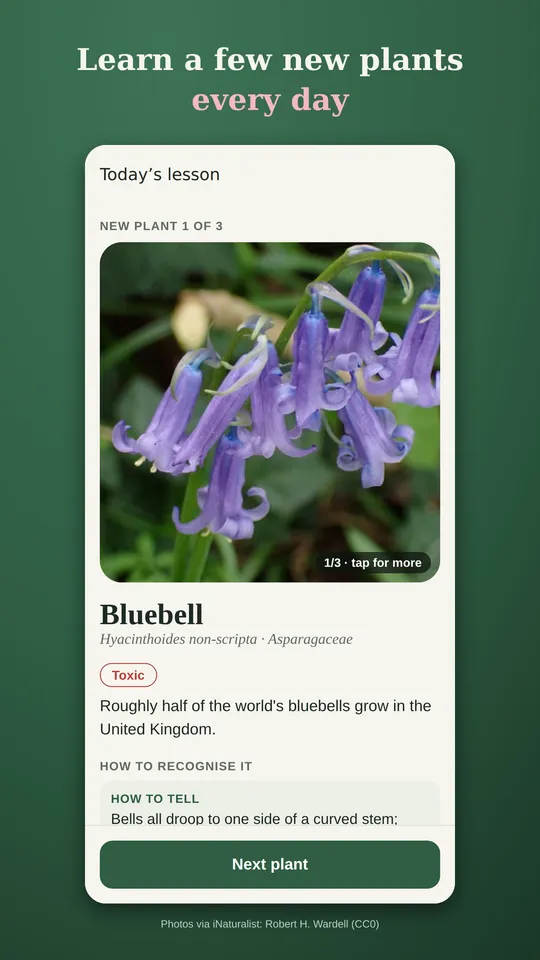
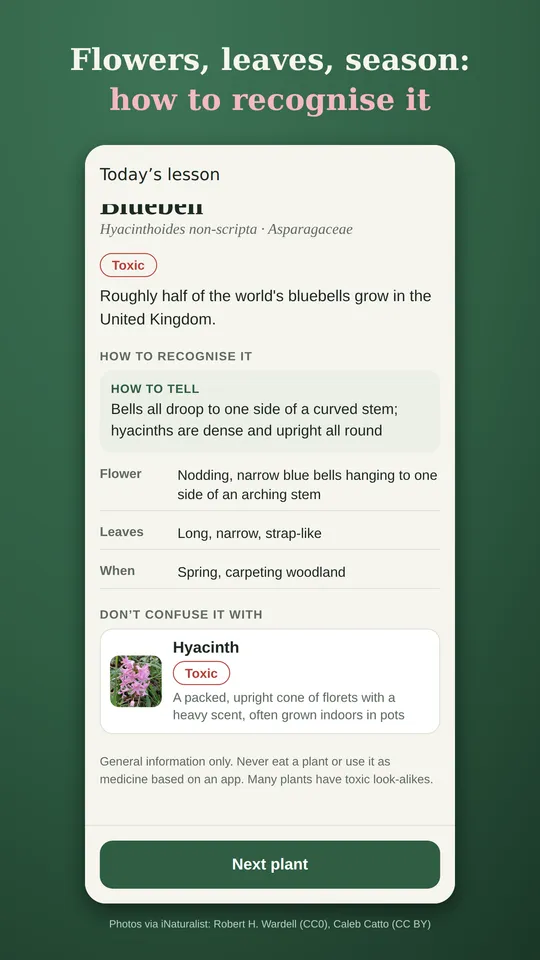
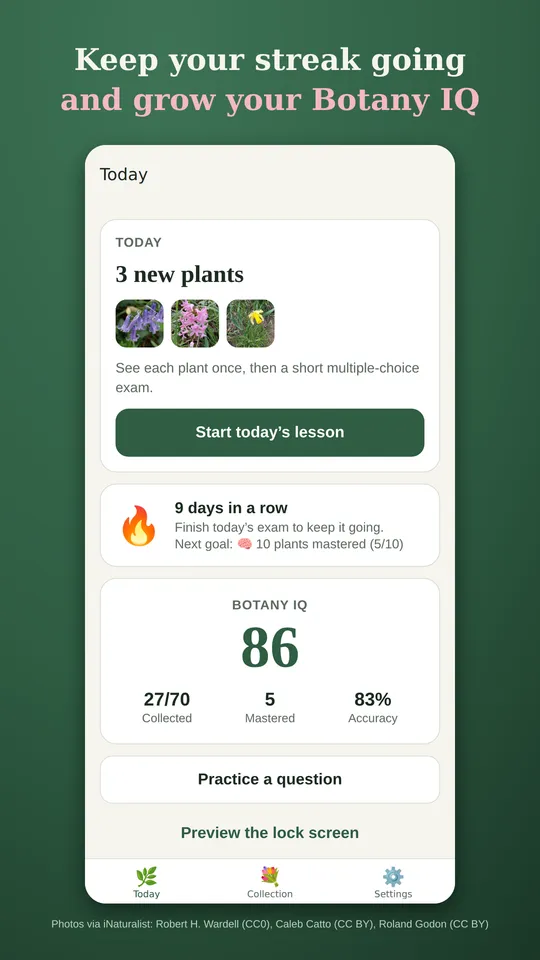
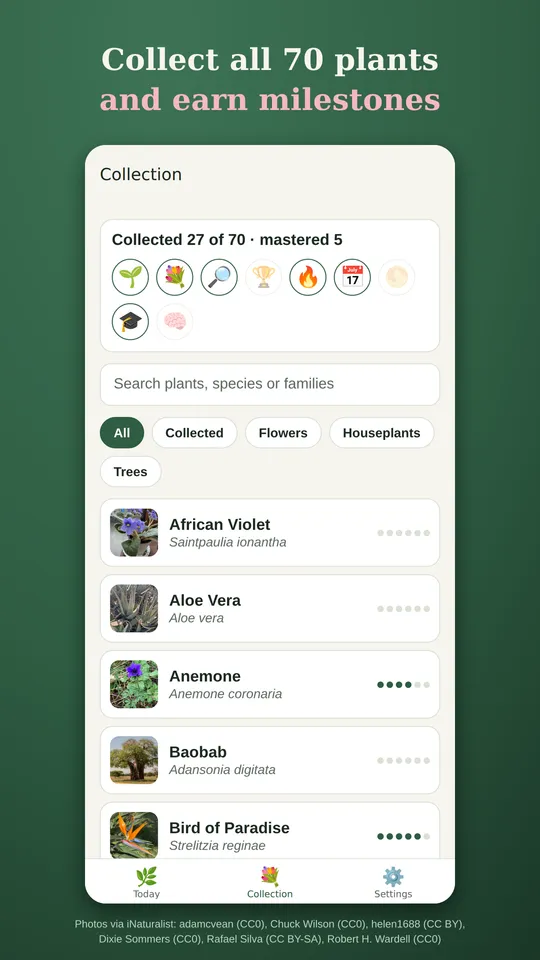
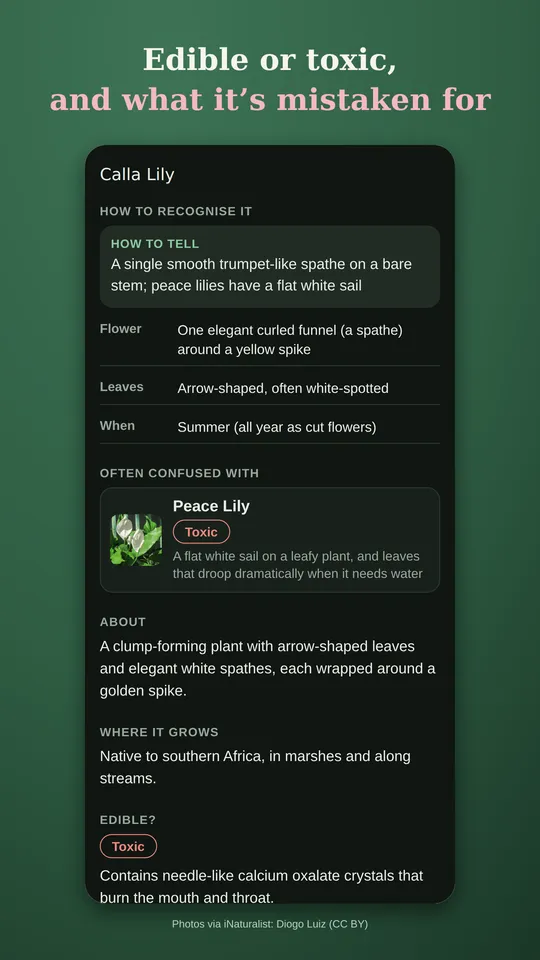
Three real photos of each, identified by the iNaturalist community, with what it is, where it grows, whether it’s edible, its uses and its lore.
Rose, tulip, sunflower, lavender, lily, iris, poppy, lotus, dahlia, foxglove, bluebell, hyacinth, daffodil, calla lily, lilac and more.
Monstera, pothos, snake plant, fiddle-leaf fig, peace lily, aloe vera, ZZ plant, jade plant, moth orchid, Venus flytrap and more.
Oak, sugar maple, silver birch, ginkgo, weeping willow, coast redwood, olive, jacaranda, cherry blossom, magnolia, Scots pine and more.
Pay once and keep it, go monthly and cancel anytime, or never pay at all.
| Free | FloraLock Plus (once or monthly) | |
|---|---|---|
| Locked apps | Up to 2 | Unlimited |
| Plants | 35 flowers | All 70: flowers, houseplants and trees |
| Lessons, reviews, streaks | ✓ | ✓ |
| Ads or tracking | None | None |
Join the closed test: join our WhatsApp testers group and send us your Gmail address; once we’ve added you, open FloraLock’s test page with the same Google account and tap “Become a tester”, then install FloraLock from Google Play. Keep it for 14 days and tell us what you think.
FloraLock is an app locker for Android. You choose the apps that eat your time; when you open one, FloraLock shows a plant photo with four names. Name it correctly and the app opens for 10 minutes.
Yes. The free version locks up to 2 apps and teaches 35 flowers. FloraLock Plus is an optional upgrade that adds unlimited apps, houseplants and trees: buy it once, or pay monthly and cancel anytime. There are no ads.
Yes. You get a few emergency unlocks every day (2 by default), and you can always choose “I don’t need this app right now”.
No. Everything stays on your phone: no account, no analytics and no ads. FloraLock works offline. Read the privacy policy.
Android phones running Android 8.0 or later. An iPhone version is planned.
FloraLock is almost ready for Google Play. Help it get there.